Guide · 8 min read
How to Optimize Your Local Business Schema for SEO Success
Imagine having your small business stand out in search results and attracting more customers than ever before.
That's the power of Local Business Schema, a game-changing tool for local businesses looking to boost their online visibility.
 Jeremy McGilvrey · 1,000+ businesses served

What is local business schema?
Local business schema is code that tells search engines exactly what your business is, where it's located, your hours and how to contact you. It helps Google understand your business instead of guessing from page text.
Local business schema markup tells Google exactly what your business is, where it is and what it does, instead of making Google guess from your page text. Done right, it’s one of the more reliable levers for local search visibility.
Below: how to implement, optimize, and validate local business schema, plus the common mistakes that make it invisible to Google despite being technically present.
What is local business schema?
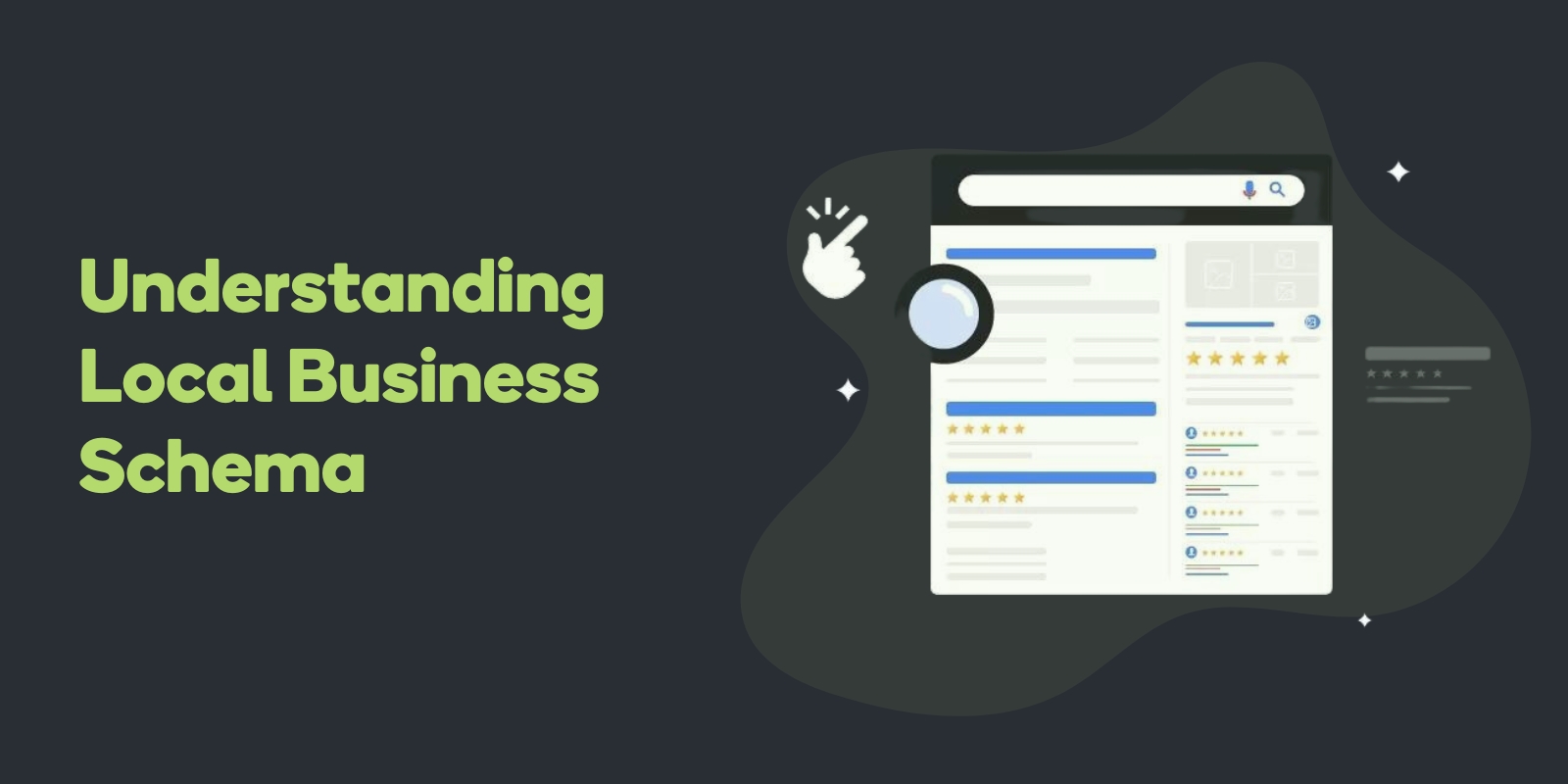
Local business schema is structured data that helps search engines understand your business, which makes it a key part of any local SEO strategy.
Clear, accurate details help search engines show your business well, which can raise click-through rates, organic traffic and conversions.
In this section, we’ll explore the fundamentals of local business schema, its importance for SEO, and the different types available for various industries.
What is Local Business Schema?
LocalBusiness schema is structured data that gives search engines your name, address, phone number and other key details.
Done right, structured data supports trust signals like E-A-T (now E-E-A-T) and connects your business to its profiles across the web.
There are subtypes for specific businesses, like restaurants, banks and medical practices.
Picking the right subtype helps your business website show up well in search.
Importance of Local Business Schema for SEO
Schema helps local SEO by telling search crawlers what each landing page is about, so the right details can show in SERPs.
That extra context can help your pages show up for the right searches.
Schema can also help you earn rich snippets, which show extra details like images, hours or prices.
Rich results strengthen your online presence and can earn more clicks.
Types of Local Business Schema
The world of local business is vast, with a wide array of options available to cater to different industries and business types.
For example, the food industry can benefit from schema types such as bakery, bar or pub, and restaurant. Local Business subtypes exist for various businesses, including restaurant chains, banks, medical practices, clubs, and even bowling alleys.
Choose the most specific subtype for your industry to give search engines clear context. This, in turn, can lead to increased online visibility and better local SEO performance.
How do you add local business schema to your website?
Now that you know why schema matters to your local SEO strategy, let’s add it to your site.
Here’s how to pick a subtype, gather your details, add the markup and test it.
Selecting the Right Category and Subtype
Pick the right category and subtype so search engines get accurate information.
To determine the most suitable category and subtype, consider the nature of your business and the services it provides.
For example, a local hardware chain would benefit from using the schema.org/HardwareStore category, while an ice cream chain would fall under schema.org/IceCreamShop.
Choose the most specific subtype and fill in as many details as you can, the same way you’d write a clear meta description, so search engines understand and show your business.
Preparing Required and Recommended Properties
Gather your business name, address, business phone number and hours of operation.
Include both required and recommended properties so your markup validates and qualifies for rich results.
Failing to include these properties can lead to schema errors, negatively impacting your search engine rankings and visibility.
Following Google’s required and recommended properties gets the most from your schema.
Adding Local Business Schema Markup
With all the schemas necessary information and properties in hand, you can now add Local Business Schema markup to your website.
One recommended method is using JSON-LD, a lightweight data interchange format that is easy to read and write.
This format allows you to add schema markup directly to your website’s HTML code without affecting its visual appearance or functionality.
You can also add schema with a plugin, a schema app or your SEO tool’s settings.
These tools can simplify the process and help you avoid potential errors while creating accurate and effective schema markup for your local business.
How do you optimize local business schema for the most impact?

Implementing Local Business Schema on your website is just the beginning. To truly harness its potential, you need to optimize your schema markup for maximum impact.
Here are tips for earning rich results, adding other schema types and keeping markup current.
Enhancing Visibility with Rich Results
A big benefit of schema is the chance to earn rich results.
Rich results add details like images, hours or prices to your listing, which can earn more clicks.
Include every required and recommended property, plus details that fit your location and services.
Complete, accurate data gives you the best chance at rich results and more organic traffic.
Leveraging Additional Schema Types
Besides LocalBusiness, other schema types can help your local SEO and online presence.
For example, if your business offers online booking for services, you can add schema markup that enables bookings directly from organic search results.
Add only types that fit your business and help visitors. Using the right mix of schema types strengthens your local SEO strategy.
Keeping Schema Markup Updated
Keep your schema current when your details or Google’s guidelines change.
Review your markup regularly, and use tools like Google’s Structured Data Markup Helper to keep it accurate.
Use the most specific type and connect your profiles with the “sameAs” property.
Accurate, current markup keeps you competitive in search engine results.
How do you validate and test your local business schema?
After you add schema, test it to make sure it works.
In this section, we’ll discuss various tools and techniques for validating your schema markup, previewing rich results, and monitoring the performance of your structured data.
Using Google’s Schema Markup Validator
Google’s Schema Markup Validator is a powerful tool that can help you identify errors and warnings in your structured data markup code.
In Google’s Structured Data Markup Helper, pick a data type, enter your page URL and tag your details to generate markup.
Google’s Schema Markup Validator checks that your markup is correct.
Previewing Rich Results with Google’s Rich Results Test
Once your schema markup is error-free, you can use Google’s Rich Results. Test to preview how rich results from your markup might appear in search engine listings.
In Google’s Rich Results Test, enter your page URL to see which rich results your markup supports.
The preview shows what else you can improve.
Monitoring Structured Data Performance through Google Search Console
Keep monitoring your schema over time.
Google Search Console provides valuable insights into your structured data’s performance, including any errors or warnings that may arise.
Check the enhancement reports in Google Search Console to find and fix structured data issues.
How do you solve common local business schema problems?

Implementing local business schema can come with its share of challenges.
Here are answers to common questions: multiple locations, LocalBusiness vs. Organization markup and reviews in schema.
Handling Multiple Locations
Managing schema markup for businesses with multiple locations can be a complex task. Google documentation recommends using the “department” attribute to specify multiple locations, with each department requiring its own schema markup.
This gives search engines accurate details for each location, so customers find the nearest one.
Deciding Between Local Business and Organization Markup
Choose the schema type that fits your business.
Use LocalBusiness if customers can visit or you serve a set area from an address. Use Organization for businesses without a local presence.
Think about how customers find you and choose the type that fits.
Using External Ratings and Reviews in Schema Markup
Reviews help buyers trust you and strengthen your online presence.
Google does not show star ratings for reviews a business marks up about itself on its own site, even with the AggregateRating property, so focus on earning ratings on Google and trusted review sites.
If you show reviews and ratings on your site, follow Google’s review guidelines and make sure the reviews are visible on the page.
By incorporating third-party ratings and reviews into your schema markup, you can further optimize your local SEO efforts and attract more customers to your business.
Local Business Schema Example
Here’s a simple example in JSON-LD, the format Google recommends. Replace each value with your own details, and make them match your Google Business Profile exactly.
{
  "@context": "https://schema.org",
  "@type": "Plumber",
  "name": "Example Plumbing Co.",
  "url": "https://www.example.com",
  "telephone": "+1-555-555-0100",
  "address": {
    "@type": "PostalAddress",
    "streetAddress": "123 Main St.",
    "addressLocality": "Houston",
    "addressRegion": "TX",
    "postalCode": "77001",
    "addressCountry": "US"
  },
  "openingHours": "Mo-Fr 08:00-17:00",
  "areaServed": ["Houston", "Katy", "Sugar Land"],
  "sameAs": ["https://www.facebook.com/example"]
}
Local Business Schema Checklist
- Use the most specific type, like Plumber or Dentist, not just LocalBusiness.
- Match name, address and phone to your Google Business Profile.
- Add hours, URL, service area and social profiles with sameAs.
- Give each location its own page and its own markup.
- Test with the Rich Results Test and the Schema Markup Validator.
- Check Google Search Console for structured data errors each month.
Schema also helps AI tools understand your business. Learn more in our guide to AI local SEO.
Conclusion
Local business schema can boost your visibility and bring more traffic to your site.
Pick the right subtype, fill in complete details and test your markup to strengthen your local SEO.
Schema can feel complex, but with the right steps it becomes a strong part of your digital marketing.
Frequently Asked Questions
Does schema help with local SEO?
Yes, schema definitely helps with local SEO. Using proper schema markup allows search engines to better interpret and understand what your website is about. This can lead to higher rankings in the local google search results, as well as better visibility for potential customers.
How to boost SEO using schema?
Using Schema Markup to boost SEO is simple and effective. Start with the Google Structured Data Markup Helper: enter your URL, tag your details and add the generated code to your site.
Finally, test the results to ensure accurate implementation.
How do you implement a local business schema?
To add local business schema, pick your category, update your About and contact details, test the code with Google’s Rich Results Test or the Schema Markup Validator and publish it.
This uses a standard format that major search engines understand.