
Guide · 11 min read
Small Business Website Design: Expert Tips for Creating a Professional Website
Discover the remarkable journey of a local store that blossomed into a thriving online presence, fueled by the transformative power of a professionally crafted small business website design.
In this digital era, a well-designed website has become essential for small businesses to effectively connect with their desired audience and generate meaningful conversions.
 Jeremy McGilvrey · 1,000+ businesses served
A small business website has one job most content sites don’t: convert a local visitor into a customer within a couple of clicks. That means clear contact info, fast load times, and a homepage that states what you do without making visitors dig for it.
Below: expert tips for building a small business website design that actually converts, drawn from what consistently works across real web design projects.
Essential Elements of Small Business Website Design
A successful small business website is more than just a digital storefront.
It gives your target audience a helpful, engaging experience that builds trust.
To achieve this, there are three key components of company website you need to focus on: layout and navigation, visual design, and content quality.
- Layout and navigation are the backbone of your website. It determines how users interact with and navigate through the different pages.
- Visual design, on the other hand, is responsible for creating an appealing and memorable online presence that captures your brand identity.
- Content quality makes your site useful to your buyers, which drives sales and loyalty.
Layout and Navigation
A well-designed layout and clear menus keep visitors engaged and help them find what they need.
An easy site keeps people exploring, while a cluttered one sends them away.
White space, the empty space around text and images, keeps your layout clean.
It makes content easier to read and draws attention to your call-to-action and contact details.
Design your business website for phones too, since many visitors will use them.
For a mobile-friendly layout, use large, clear fonts and a simple layout.
Compress images so they don’t slow down page loading speed.
Visual Design
First impressions matter, so your site must look professional.
Your colors, fonts and images shape how your brand looks and feels.
Work with a professional web designer or start from a quality template.
Be mindful of the visual hierarchy, which is the arrangement of design elements on a page to emphasize the most important elements.
Choose your colors with care, since they shape how people see your brand.
Use readable fonts and high-quality images.
Content Quality
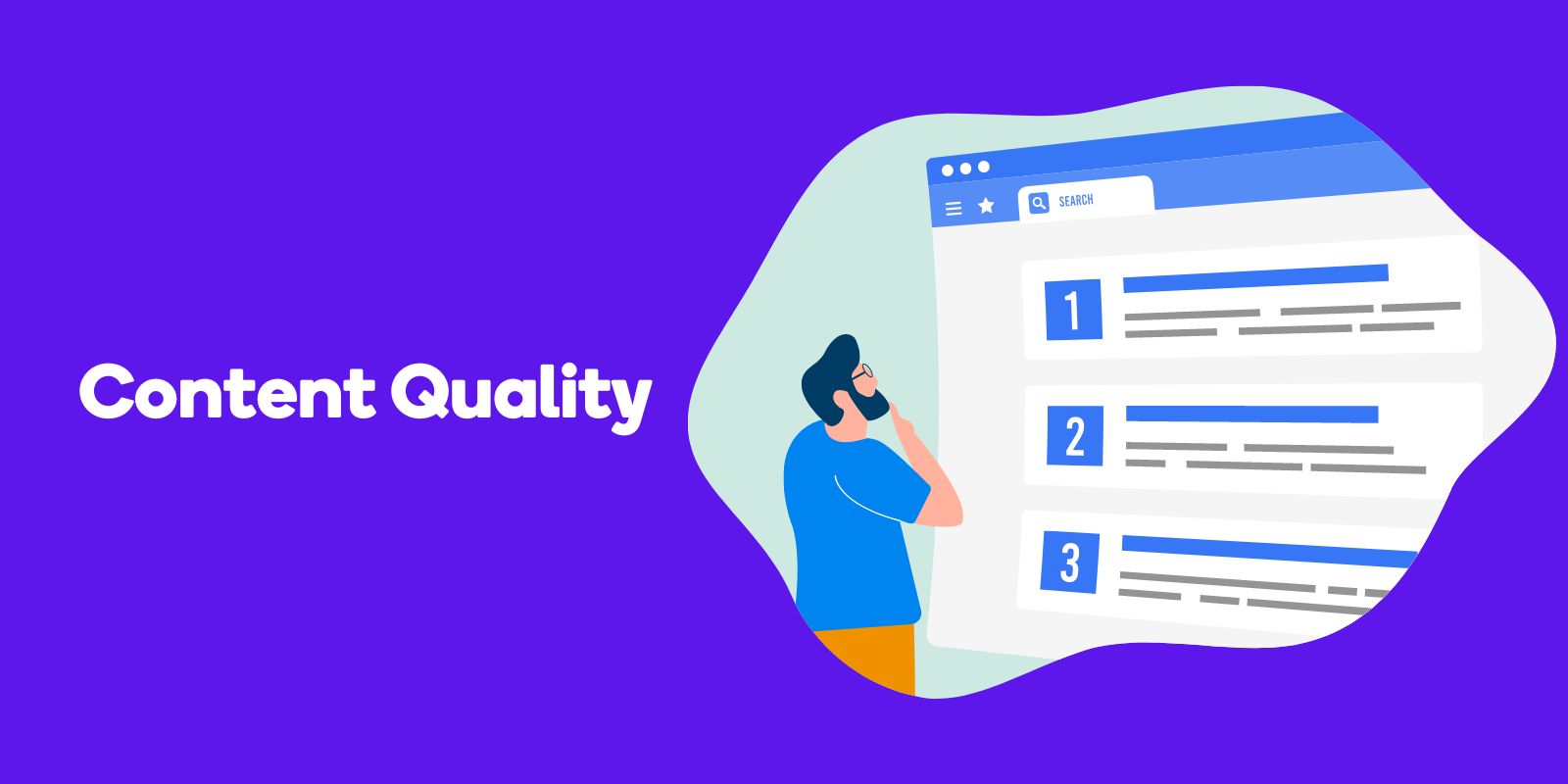
Content is the heart of your site, so make it clear, helpful and focused on your buyers.
Helpful content builds trust, sales and loyalty.
For high-quality content, be accurate, complete and engaging. Create buyer personas to better understand your audience and tailor your content accordingly.
Make your content educational and up-to-date, providing valuable information that your audience can apply in their own lives.
Make content accessible, and use clear headings, testimonials and calls to action.
Choosing the Right Platform for Your Small Business Website
The platform you choose shapes what your site can do.
There are various website development and building platforms available, each with its own set of features, pricing, and ease of use.
Some of the most popular options include drag-and-drop website builders, WordPress, and e-commerce platforms.
Drag-and-drop builders are great if you don’t code.
WordPress is more flexible and customizable but takes more skill.
Finally, e-commerce platforms are specifically designed for businesses that sell products online, providing all the necessary tools for creating and managing an online store.
Drag-and-Drop Website Builders
Builders like Wix, Weebly and Squarespace let a small business build a professional site without much tech skill.
You drag elements onto the page to build a customized design.
While drag-and-drop website builders are convenient and cost-effective, they may come with some limitations in terms of customization and search engine optimization.
For small businesses with tight budgets, they can be a good, affordable choice.
WordPress
WordPress is a popular choice for small business websites due to its cost-effectiveness, user-friendly interface, customizability, and SEO-friendly features.
WordPress offers themes, plugins and widgets so you can build exactly what you need.
WordPress needs regular updates and security care, and it has a learning curve.
Nevertheless, with the right technical skills and resources, WordPress can be a powerful platform for creating a highly customized and professional small business website.
E-commerce Platforms
If you sell online, Shopify and BigCommerce give you everything to run a store.
These platforms offer a range of features specifically designed for e-commerce, such as product listings, inventory management, payment processing, and shipping logistics.
Stores also bring challenges, like security, competition, tech issues and shipping.
If you mainly sell online, an ecommerce platform is often worth it for smooth operations and a better shopping experience.
DIY vs. Hiring a Professional Website Designer
You can build your site yourself with a website builder or hire a professional website designer.
Both approaches have their advantages and disadvantages, depending on factors like your time, budget, and technical skills.
Building your own website using a website builder can be a cost-effective and accessible option for small business owners with limited resources and technical skills.
Drag-and-drop website builders, in particular, make it easy to create a professional-looking website without the need for coding knowledge.
However, DIY website web design companies may come with limitations in terms of creating a custom website and search engine optimization.
Hiring a pro saves time and gets you a more tailored, high-quality site.
A professional website designer can bring expertise, faster turnaround, and higher-quality results to the table. However, this option may come with a higher price tag and may require ongoing website maintenance costs.
Advantages of DIY
Creating your website using a website designer or builder can offer several advantages, such as cost savings, control over design, and learning opportunities.
Website builders are often cheap or free and easy to learn.
Building your website yourself can save you hundreds or even thousands of dollars compared to hiring a professional website designer.
DIY gives you full control over the design.
You’ll also learn skills you can use for future updates.
Advantages of Hiring a Professional

Working with a professional web designer can provide several benefits, such as expertise, faster turnaround, and higher-quality results.
A professional web designer builds a site around your goals that stands out from competitors.
An experienced designer also provides support, avoids costly mistakes and tunes the site for speed and performance.
Partnering with a web development firm can further enhance these benefits.
While hiring a professional web developer or designer may come with a higher price tag, the results can often surpass any self-made attempts.
Optimizing Your Small Business Website for Search Engines
SEO helps your small business site rank higher in search engine results pages (SERPs) and bring in organic traffic.
Good SEO strategies like keyword research, on-page SEO and off-page SEO improve your visibility.
Keyword research finds the terms your buyers search for.
On-page SEO involves optimizing various elements on your website, such as title tags, meta descriptions, and header tags, to improve its search engine ranking.
Off-page SEO includes link building, social media and online reputation management to build your site’s authority.
Keyword Research
Keyword research shows which terms fit your content and your target audience.
By targeting these keywords in your website content, you can improve your search engine ranking and attract more organic traffic.
Find keywords by analyzing your competitors, using Google’s Keyword Planner and checking related searches.
Use the best keywords to create content that answers your buyers’ needs.

On-Page SEO
On-page SEO refers to the optimization of various elements on the landing page of your website to improve its search engine ranking.
Some key on-page SEO best practices include proper use of title tags, meta descriptions, and header tags.
Title tags are an important part of a small business’s search engine optimization strategy. They are the descriptive text that appears on a search engine’s results page when a query is made.
Creating captivating title tags can help draw the attention of potential customers and increase the click-through rate of your website.
Meta descriptions are short summaries shown under your link on search engine results pages.
Optimize your title tags and meta descriptions for your target keywords.
Off-Page SEO
Off-page SEO includes links from other sites, social media promotion and online reputation management.
By increasing the authority of your website through these strategies, you can improve its ranking in search engine results and attract more organic traffic.
Link building is the process of acquiring backlinks from other websites, which can help boost your website’s authority and search engine ranking.
Social media promotion involves sharing your website content on various social media platforms, increasing its visibility and reach.
Reputation management means watching and improving how people see your business online.
These steps help your site rank higher and bring more organic traffic.
Incorporating Social Media and Email Marketing into Your Small Business Website Design
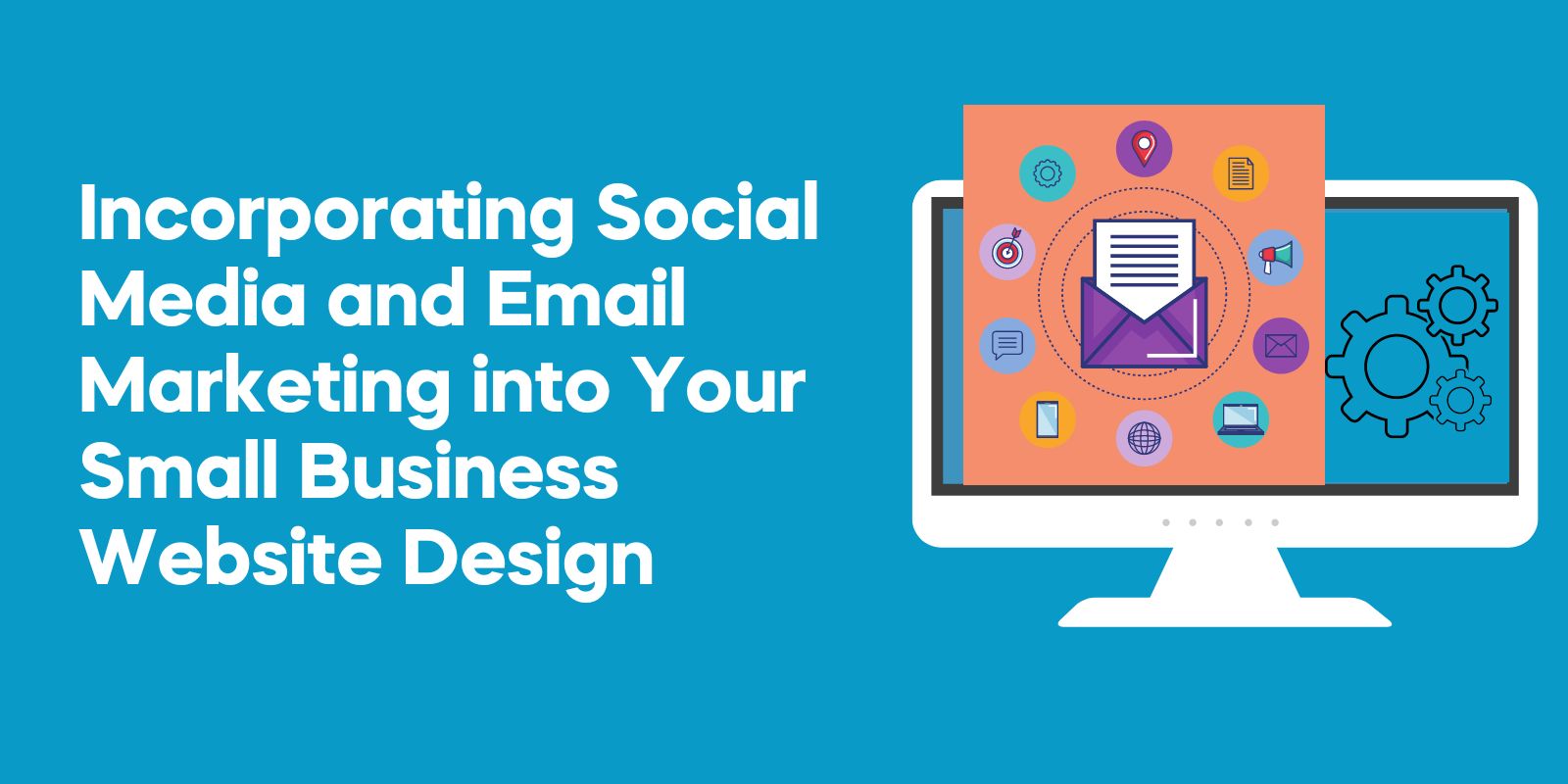
Adding social media and email to your site can raise conversion rates.
Both strategies can help drive engagement, foster customer relationships, and increase website traffic.
Social media buttons, feeds and sharing options let visitors connect with you.
Email marketing, on the other hand, focuses on capturing leads and nurturing customer relationships through targeted and personalized email campaigns.
Social Media Integration
Social buttons and feeds expand your reach and make it easy to connect.
Show your social posts on your site so visitors can share and engage.

Add share and follow buttons, embed feeds and allow social logins.
By effectively integrating social media into your small business website design, you can strengthen customer relationships and bolster your brand’s online presence.
Email Marketing
Email marketing helps you capture leads, build relationships and drive sales.
Add sign-up forms and offers across your site to grow your list, then send personal, useful emails.
Focus on personalization, segments, clear calls to action and consistent branding.
Track key performance indicators like open rate, click-through rate and conversion rate to improve your emails.
Measuring the Success of Your Small Business Website
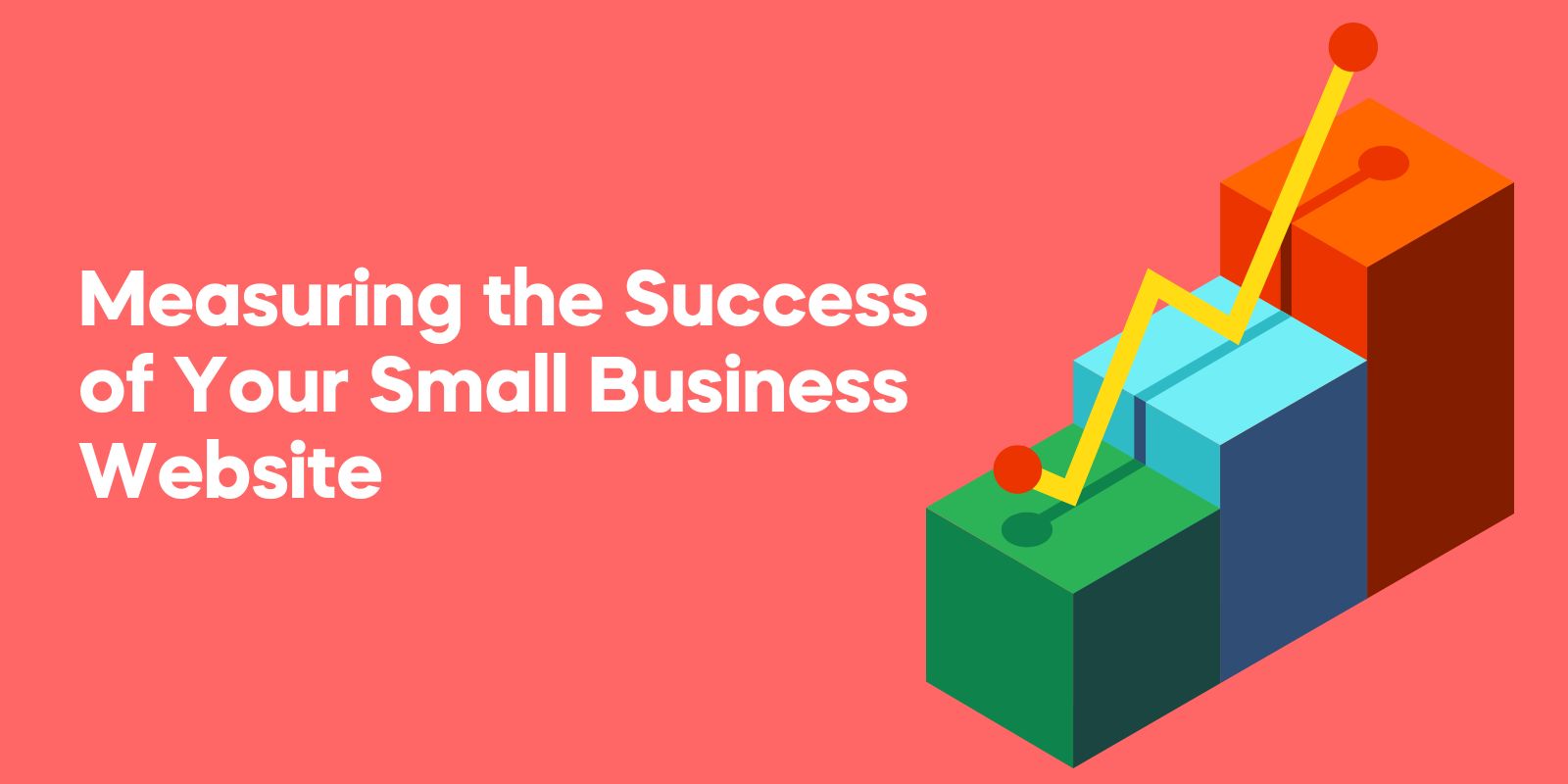
Track your site’s performance and improve it over time.
Watch traffic, behavior and key numbers to see what’s working.
Google Analytics shows traffic, behavior and conversion rates in one place.
By analyzing this data, you can make informed decisions about improvements to your website and better target your marketing efforts to achieve your business objectives.
Analytics Tools
Analytics tools help you make smart improvements.
Google Analytics is one of the most widely used analytics tools, providing a wealth of information about website traffic, user behavior, and conversion rates.
Using analytics tools, you can track various metrics such as page views, bounce rate, average session duration, and goal completions.
Review your numbers and update your website design and content to improve results.
Key Performance Indicators (KPIs)
KPIs show whether your site is reaching your business goals.
Some of the most critical KPIs for small business websites include bounce rate, average session duration, goal completions, page views, and conversions.
By regularly monitoring and analyzing your website’s KPIs, you can gain valuable insights into customer behavior and make data-driven improvements to your website.
That helps you reach your goals.
Small Business Website Checklist
- A headline that says what you do and where.
- Your phone, hours and service area easy to find.
- One main call to action, like “Get a quote” or “Book a call.”
- A page for each main service.
- Reviews and real photos of your work and team.
- A simple contact form that goes straight to your inbox or CRM.
- Google Analytics and lead tracking set up.
- Fast pages on phones.
DIY Builder vs. Professional Design
| DIY builder | Professional design | |
|---|---|---|
| Cost | Low monthly fee | One-time project fee |
| Your time | Many hours | A few hours of input |
| Look | Template | Built around your brand |
| Built to win leads | Up to you | Planned from the start |
| Best for | Brand-new or side businesses | Businesses that need steady leads |
Our websites start at $3,500 and launch in 3 to 4 weeks, with 90 days of free improvements and a money-back guarantee. Book a free consultation.
Frequently Asked Questions
Is Wix good for small business?
Yes, Wix is great for small businesses! It offers an intuitive drag-and-drop interface, hundreds of professionally designed and fully customizable templates, powerful SEO tools, and hundreds of apps. Wix has earned its place as one of the most popular website builders due to its wide range of features, ease of use, and affordability.
Overall, I think. Wix is a great option for small businesses looking for an easy-to-use platform with powerful features and customization options. With its intuitive drag-and-drop interface, hundreds of professionally designed templates, powerful SEO tools, and hundreds of apps, it’s no wonder why Wix is so popular.
How much does it cost to hire someone to build a website?
Costs vary a lot. A do-it-yourself builder can cost a few hundred dollars a year, while a custom site from a professional often costs a few thousand dollars or more. Our websites start at $3,500.
Also budget for your domain name and hosting each year. All in all, the cost of building a website depends on your requirements and budget.
How much does it cost to design a website for a small business?
It depends on what you need. Simple builder sites cost the least, while custom sites with more pages and features cost more. Our websites start at $3,500 and launch in 3 to 4 weeks.
Before getting started, you’ll need to save money to invest in domain and web hosting fees.
How to start a website?
Getting a website online in 10 easy steps. Research and select the best hosting provider. Choose the perfect domain name. Decide on the design of your site. Install WordPress.
Customize your theme. Install plugins. Add content to your landing pages. Optimize your site for SEO. Create social media accounts. Test and Launch Your Site.
What are the key components of a successful small business website?
An effective small business website needs a well-designed layout, easy menus, attractive visuals and quality content.
With these components in place, your website will be more successful.
Conclusion
A strong business website takes careful planning.
These encompass aspects like layout and navigation, visual design, content quality, platform selection, SEO optimization, social media integration, and email marketing.
Use these tips to get more from your small business website and turn more visitors into customers.
Seize the moment to invest in your online presence and position your small business for triumph in the digital era.
Ready to hire a team? See our small business web design services.


